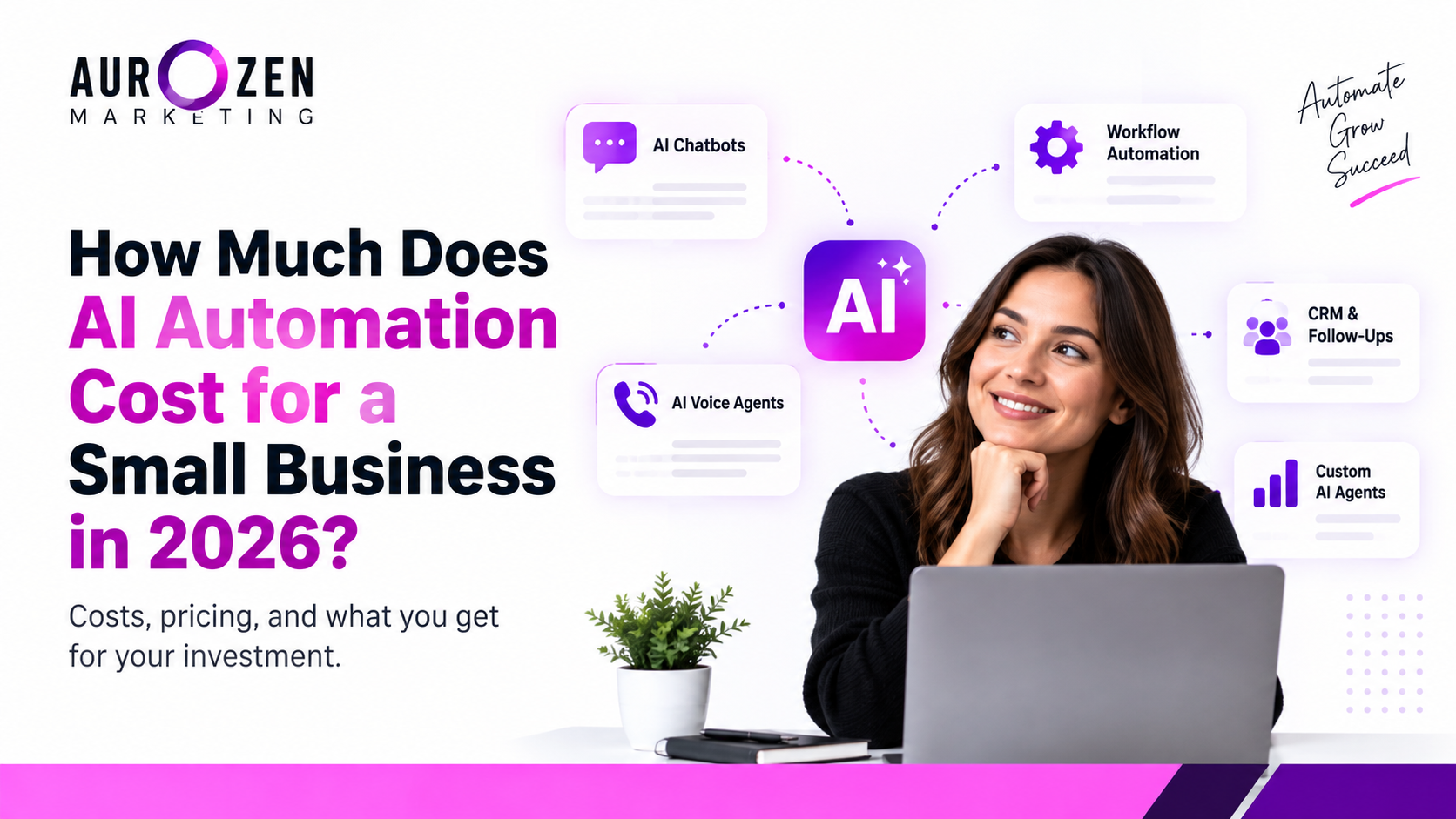
How Much Does AI Automation Cost for a Small Business in 2026?
AI automation can help small businesses save time, respond to leads faster, and reduce repetitive work but the cost can vary widely depending on what you automate.
In 2026, small businesses may spend anywhere from a few hundred dollars on simple tools and workflows to several thousand dollars on custom automation systems. The biggest cost factors are the number of workflows, integrations, AI capabilities, setup requirements, and ongoing support. Pfeiffer Digital
In this guide, we’ll break down the typical costs, what affects pricing, and how to decide what level of AI automation makes sense for your business.
The Short Answer: What Small Businesses Should Budget
For most small businesses, AI automation costs depend on how complex the system is and how many tools need to work together.
Simple automations can start with a few hundred dollars, while more advanced systems involving CRM integrations, AI agents, voice automation, and custom workflows can cost several thousand dollars.
The important question isn’t just “How much does AI automation cost?” It’s “How much time, labor, and missed revenue can the automation save or recover?”
A small business usually doesn’t need to automate everything at once. Starting with one repetitive, high-value process can make it easier to measure the return before expanding.
AI Automation Cost by Type?
| AI Automation Type | Typical Setup Cost | Typical Ongoing Cost |
|---|---|---|
| Simple Workflow Automation | $500–$5,000 | $20–$300/month |
| AI Chatbot | $0–$2,500 | $0–$1,000/month |
| AI Voice Agent | $2,500–$15,000 | $300–$2,500/month |
| CRM & Lead Follow-Up Automation | $500–$5,000 | $50–$500/month |
| Custom AI Agents | $5,000–$15,000+ | $500–$3,500+/month |
These are broad 2026 market ranges, not fixed prices. Actual costs depend on the number of workflows, integrations, usage volume, customization, and ongoing support.
AI automation costs usually come from more than just the software subscription. A complete project can include several layers of work:
1. Strategy and workflow planning
Identifying the process to automate, defining triggers, actions, decision points, and the expected business outcome.2. Automation tools and AI platforms
The software, AI models, CRM, messaging, scheduling, voice, or other platforms required to run the automation.3. Integrations and implementation
Connecting the automation to your existing CRM, website, forms, calendar, email, phone system, or other business tools.4. Testing and optimization
Testing different scenarios, fixing errors, improving prompts and workflows, and making sure the automation behaves correctly.5. Ongoing maintenance
Automations may need updates when your software, offers, processes, or integrations change.
Current 2026 industry sources similarly separate build/implementation, platform/tool costs, and ongoing maintenance rather than treating AI automation as one single expense.
AI Automation Cost by Type
Simple Workflow Automation
Simple workflow automation is usually the easiest and most affordable place for a small business to start.
These workflows handle repetitive tasks such as sending follow-up emails, moving leads between CRM stages, assigning tasks, sending notifications, or triggering actions after a form submission.
The cost mainly depends on the number of steps, apps involved, and level of customization. A straightforward workflow may require relatively little setup, while a multi-step process with several integrations can require more development and testing.
Examples:
• New lead → CRM → instant email/SMS follow-up
• Form submission → sales team notification
• Appointment booked → confirmation + reminders
• Lead status changed → automated follow-up sequence
For many small businesses, starting with one repetitive workflow is a practical way to test automation before investing in more advanced AI systems.
AI Chatbots
AI chatbots can automate customer questions, lead qualification, appointment requests, and basic support conversations.
A simple chatbot may answer common questions and collect contact information, while a more advanced chatbot can connect with a CRM, qualify leads, recommend next steps, or hand conversations to a human when needed.
The main cost factors include the AI platform, conversation volume, website or CRM integrations, custom knowledge, and ongoing optimization.
Examples:
- Website visitor → AI answers questions → captures lead
- Lead → AI qualifies requirements → CRM record created
- Customer → AI handles common questions → human handoff when needed
- Visitor → AI collects appointment details → booking workflow triggered
AI Voice Agents
AI voice agents use conversational AI to handle phone calls, answer common questions, qualify leads, schedule appointments, and route calls when human support is needed.
Voice automation can be more complex than a basic chatbot because it may involve telephony, speech processing, call flows, CRM integrations, appointment systems, and usage-based costs.
Examples:
- Incoming call → AI answers → qualifies the lead
- Missed call → automated AI callback
- Lead → AI confirms requirements → CRM updated
- Qualified prospect → appointment scheduled automatically
The total cost depends on call volume, voice and AI usage, integrations, conversation complexity, and the amount of customization required.
CRM & Lead Follow-Up Automation
AI voice agents use conversational AI to handle phone calls, answer common questions, qualify leads, schedule appointments, and route calls when human support is needed.
Voice automation can be more complex than a basic chatbot because it may involve telephony, speech processing, call flows, CRM integrations, appointment systems, and usage-based costs.
Examples:
- Incoming call → AI answers → qualifies the lead
- Missed call → automated AI callback
- Lead → AI confirms requirements → CRM updated
- Qualified prospect → appointment scheduled automatically
The total cost depends on call volume, voice and AI usage, integrations, conversation complexity, and the amount of customization required.
Custom AI Agents
Custom AI agents are built for businesses that need more than standard workflows or chatbots. They can combine AI reasoning, business rules, multiple tools, and data sources to handle more complex processes.
A custom agent might research information, analyze incoming leads, update a CRM, trigger actions across different platforms, or assist a team with repetitive decision-based tasks.
Examples:
- Lead data → AI analyzes requirements → CRM updated → sales team notified
- Customer request → AI checks business information → recommends next action
- New inquiry → AI qualifies the prospect → routes it to the correct workflow
- Multiple systems → AI coordinates actions across CRM, email, calendar, and other tools
Custom AI agents generally require more planning, testing, integration work, and ongoing optimization than simple automation. The right investment depends on the complexity and business value of the process being automated.
What Factors Affect AI Automation Pricing?
AI automation pricing can vary significantly because every business has different processes, tools, and requirements. The main factors include:
1. Complexity — A simple trigger-and-action workflow costs less to build than a system with multiple decision points and AI logic.
2. Number of integrations — Connecting a CRM, website, email, calendar, phone system, and other platforms increases implementation work.
3. AI usage — Higher conversation, voice, or processing volume can increase ongoing platform and usage costs.
4. Customization — Custom prompts, business rules, dashboards, and specialized workflows require additional development and testing.
5. Maintenance and support — Automations may need monitoring, troubleshooting, updates, and optimization as the business changes.
6. Business impact — A workflow that directly affects lead response, sales, or customer support may justify a larger investment because its potential business value is higher.
DIY vs Hiring an AI Automation Agency
Small businesses generally have two options: build automation themselves using no-code or AI tools, or hire an agency to design and implement the system.
DIY automation
DIY can make sense when the workflow is simple, the business owner has time to learn the tools, and only a few integrations are required. The main costs are usually software subscriptions, usage fees, and the time required to build and maintain the system.
Hiring an AI automation agency
An agency can handle strategy, workflow design, integrations, testing, deployment, and ongoing optimization. This usually costs more upfront, but it can reduce the internal time required to learn, build, troubleshoot, and maintain complex systems.
The right choice depends on the complexity of the process, available internal resources, technical skills, and expected business value.
AI Automation Costs: One-Time Setup vs Monthly Costs
AI automation expenses usually fall into two categories: one-time implementation costs and ongoing monthly costs.
One-time costs can include workflow planning, system design, integrations, custom development, testing, and deployment.
Ongoing costs may include software subscriptions, AI or API usage, phone or messaging usage, monitoring, maintenance, and optimization.
For example, a business might pay an initial implementation fee to build a lead follow-up system and then continue paying monthly software and usage costs to keep that system running.
Before choosing an automation solution, calculate both the initial investment and the expected monthly operating cost. This gives you a more realistic picture of the total cost of ownership
How to Calculate the ROI of AI Automation
The cost of automation should be evaluated against the business value it can create. One simple way to estimate ROI is to compare the financial benefit of the automation with its total cost.
For example:
If an automation saves 20 hours of staff time each month and that time is worth $25 per hour, the business saves approximately $500 per month in labor time.
If the automation also helps recover additional leads or appointments, its total business value can be higher.
A simple calculation is:
ROI = (Value Generated − Automation Cost) ÷ Automation Cost × 100
Before investing, identify the process you want to automate, estimate its current cost, and define the result you want the automation to improve. This makes it easier to decide whether the investment is worthwhile.
Real-World AI Automation Examples for Small Businesses
The best automation opportunities are usually repetitive processes that happen frequently and directly affect time, leads, or customer experience.
Lead response: A new inquiry can automatically enter the CRM, receive an immediate response, and trigger a follow-up sequence.
Appointment management: Booking confirmations, reminders, rescheduling messages, and internal notifications can happen automatically.
Customer support: An AI chatbot can handle common questions and route more complex requests to a human.
Sales follow-up: Leads who do not respond can automatically receive scheduled follow-ups based on predefined rules.
Reporting: Data from different platforms can be collected and organized into recurring reports, reducing manual reporting work.
The best starting point is usually one process where automation can produce a measurable improvement rather than trying to automate the entire business at once.
How to Start AI Automation Without Overspending
Small businesses do not need to automate everything at once. A better approach is to start with one repetitive process that has a clear business impact.
Start by identifying a task that happens frequently and takes significant manual time. Then estimate how much that task currently costs in labor, missed opportunities, or delays.
Next, choose the simplest automation that can solve the problem and measure the results. If the first automation produces a clear benefit, you can gradually expand into additional workflows, AI tools, or integrations.
A practical starting process can be:
- Identify one repetitive task.
- Calculate its current cost.
- Define the result you want to improve.
- Start with a simple automation.
- Measure the results.
- Expand only when the results justify it.
This approach helps control costs while giving the business real data before making a larger automation investment.
Frequently Asked Questions
How much does AI automation cost for a small business?
The cost varies depending on the type and complexity of automation. Simple workflows may require a relatively small investment, while custom AI systems with multiple integrations can cost significantly more.
Is AI automation worth it for a small business?
It can be, especially when automation reduces repetitive work, improves lead response, or helps recover missed opportunities. The best way to evaluate it is by comparing the expected business value with the total automation cost.
Can I start AI automation with a small budget?
Yes. A small business can start with one simple, high-value workflow and expand gradually after measuring the results.
What is the difference between AI automation and regular automation?
Regular automation generally follows predefined rules and triggers. AI automation can add capabilities such as understanding language, analyzing information, generating responses, or making decisions within defined boundaries.
Should I build AI automation myself or hire an agency?
DIY can work for simple workflows if you have the time and technical skills. An agency may be useful when the project requires multiple integrations, custom development, testing, or ongoing optimization.